Before people call a clinic, visit a shop or book a consultation, most of them check the star rating and read a few reviews. A business with 300 reviews at 4.7 stars looks very different from one with 12 reviews at 4.1, even if the service is just as good.
The good news: most happy customers are willing to leave a review. They just need to be asked at the right moment, in the right way.
A simple routine that works
- Get your review link. In your Google Business Profile, find “Ask for reviews” and copy the short link. It opens the review box directly.
- Ask at the happy moment. Right after a successful treatment, a delivered order or a finished project, when the customer is most pleased.
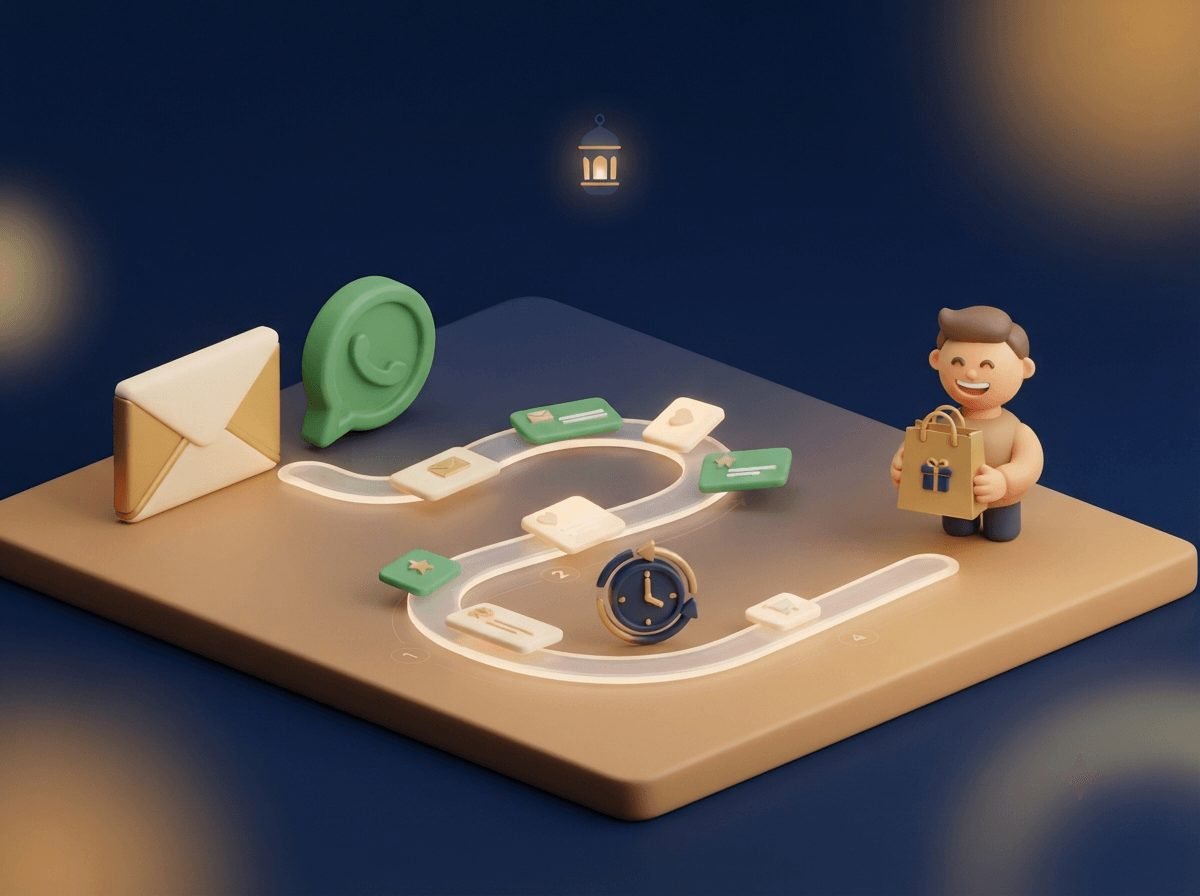
- Send it on WhatsApp. A short, personal message works best: “Thank you for visiting us today! If you were happy with your experience, a quick Google review would really help us. [link]”
- Make it routine. Ask everyone, every time. Automate the message if you can, so it doesn't depend on someone remembering on a busy day.
- Reply to every review. A thank-you for good reviews and a calm, helpful reply to bad ones.
What not to do
Google's review policies are strict, and breaking them can get reviews removed or your profile restricted. Avoid these common shortcuts:
- Offering discounts or gifts in return for reviews. Incentivised reviews are not allowed.
- Only asking customers you think are happy. Google doesn't allow “review gating”, where you filter out unhappy customers before sending the review link. Ask everyone.
- Buying reviews or asking staff and family to post them. Fake reviews are against Google's rules and often get detected and removed.
- Reviewing competitors. It's against the rules, and it reflects badly on you if it's traced back.
Handling a bad review
Every business gets one eventually. Don't argue in public. Thank them for the feedback, apologise for their experience, and invite them to contact you directly to put it right. For clinics, never discuss a patient's treatment or health details in a public reply. Future customers mostly judge how you respond, not the complaint itself.
If a review is fake or abusive, you can flag it to Google for review from your Business Profile.